
Camera Settings
Understanding RAW Format and Camera Settings
What RAW files actually contain, how exposure triangle affects them, and which in-camera settings still matter when you shoot RAW.
Read article →Practical guides on camera controls, RAW processing, retouching techniques, and editing software — without the fluff.
Start with RAW Browse articles
Three in-depth pieces covering the fundamentals of digital photography and post-processing, updated regularly.
What RAW files actually contain, how exposure triangle affects them, and which in-camera settings still matter when you shoot RAW.
Read article →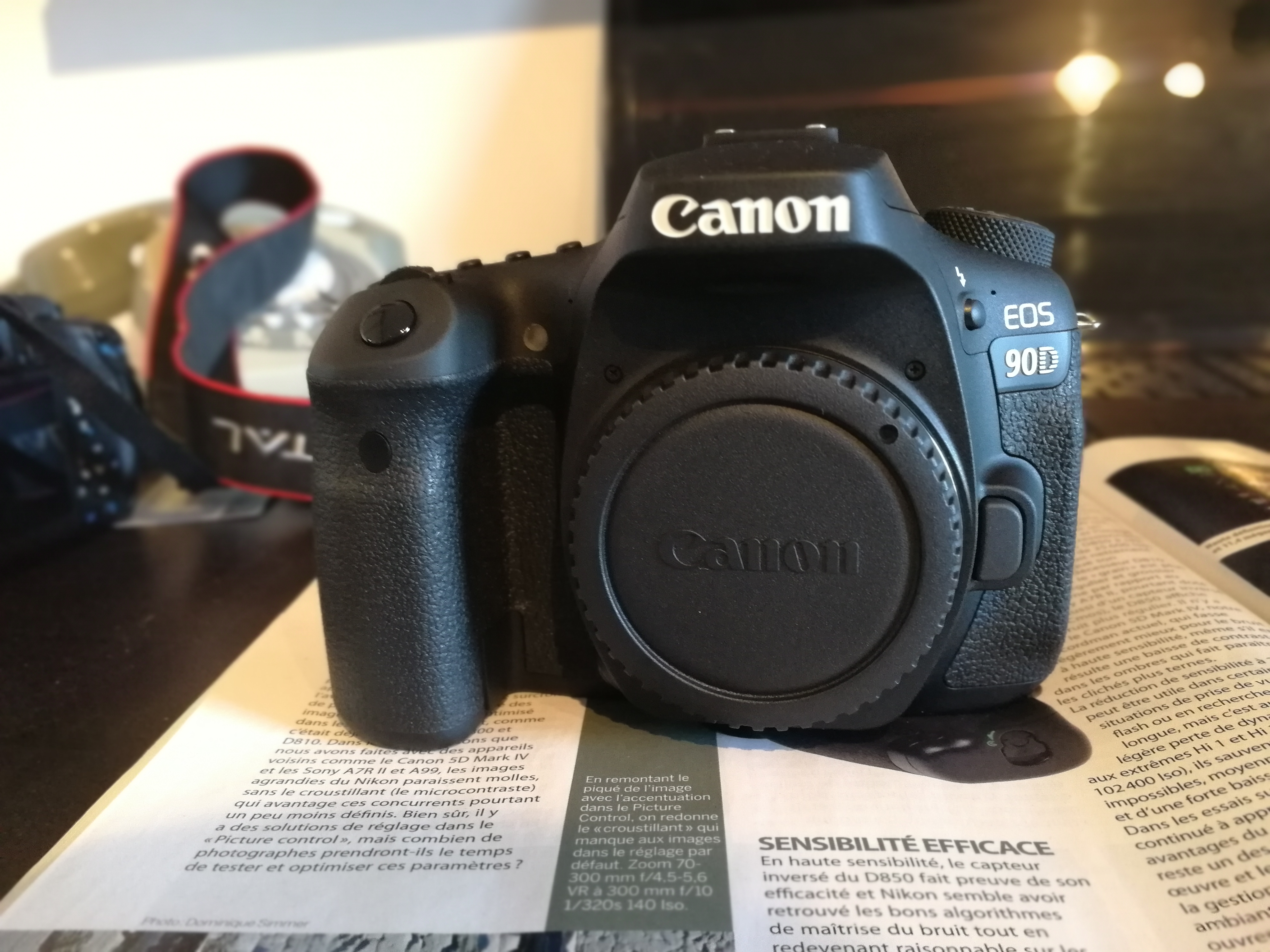
A step-by-step walkthrough of a portrait retouching process — from global tonal adjustments in Lightroom to frequency separation in Photoshop.
Read article →
A practical comparison of three open-source alternatives for RAW processing — what each one does well, where each falls short, and how they fit together.
Read article →
The exposure triangle gets explained everywhere, yet most photographers still use Auto mode in difficult light. The difference between a usable RAW file and a blown-out mess often comes down to understanding how these three controls trade off against each other in real shooting conditions.
Aperture controls depth of field and light intake simultaneously. A wide aperture on a 50mm lens at f/1.8 gives you a very shallow plane of focus — useful for portraits, but the same setting at f/11 on a wide-angle lens brings almost everything in focus for landscapes.
Read the full guideExposure settings, metering modes, autofocus systems, and when to switch to manual.
How RAW files store sensor data, demosaicing, white balance, and tone curve basics.
Skin retouching, frequency separation, dodge and burn, and local adjustment techniques.
Comparisons and walkthroughs of Lightroom, Photoshop, Darktable, and RawTherapee.
If you spotted an error, want to suggest a topic, or just have a question about something in one of the articles — the form is open.